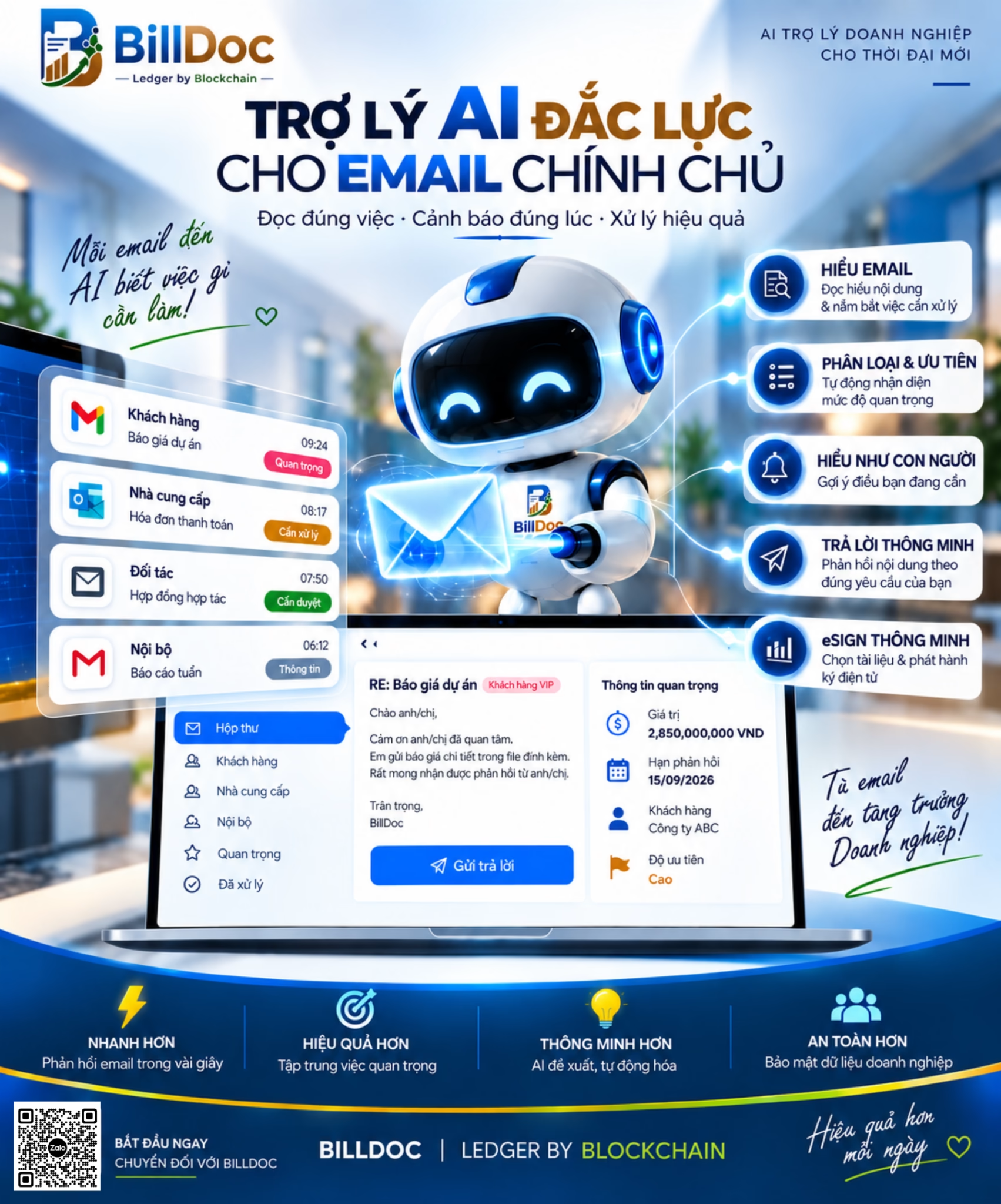
Productivity optimization
Personalized AI Email ERP Platform
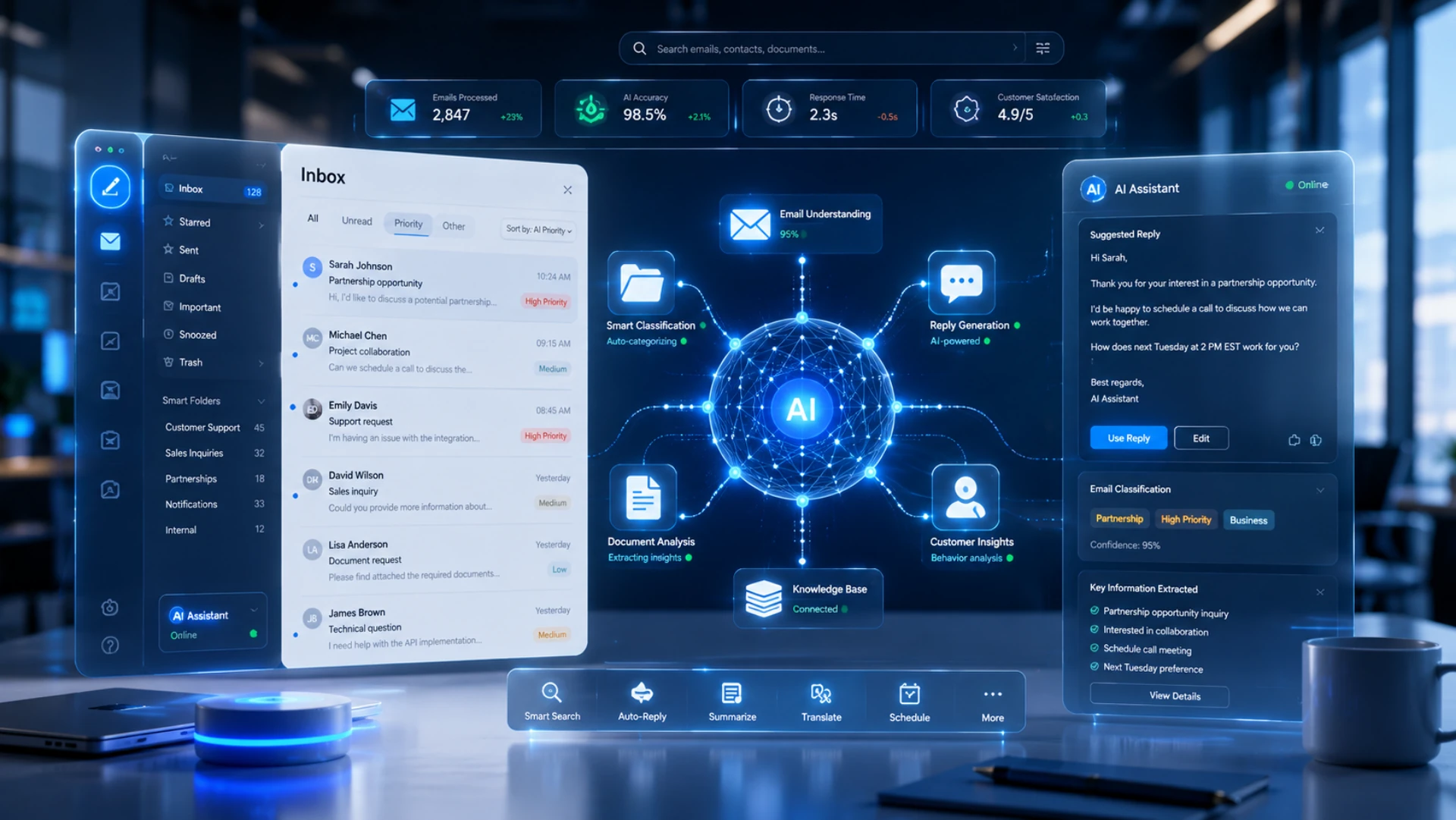
A Unified Platform For A Smarter Business
Each department and each employee has a built-in intelligent AI assistant that helps optimize processes and empower management with ease.
"From Data to Real Business Impact"
Understanding the Customer
Smart Decisions
Automatic Action

Introducing the solution
What is a BillDoc?
BillDoc is an integrated resource and customer experience platform that helps businesses manage, connect, and automate core operations on a single platform through Personalized AI & Authorized Blockchain technology.
Financial Management – Accounting
- Accounting record management
- Track income and expenses, and accounts receivable/payable.
- Cash flow management
- Financial statements and tax reports
- Automatic data reconciliation
Production Management
- Production planning
- Manage BOM (Bill of Materials)
- Track production progress
- Material consumption management
- Product quality control
Sales and Marketing Management
- Business and marketing planning
- Sales management
- Track marketing campaigns
- Synchronize sales and marketing data.
- Track and manage KPI results.
Inventory management
- Real-time inventory tracking
- Inventory management (inflow, outflow, and stock)
- Manage multiple warehouses
- Inventory and warehouse reconciliation
- Track product codes, shipments, and QR codes.
Purchasing Management
- Manage purchase orders
- Supplier management
- Track your order
- Control delivery schedule
- Contract and payment management
Supply chain management
- Supplier management
- Track your shipment.
- Total logistics management
- Forecasting commodity demand
- Supply chain optimization
Customer relationship management
- Customer data management
- Track interaction history
- Sales team management
- Customer care
- Sales and marketing support
Human Resources Management
- Employee record management
- Timekeeping and payroll
- Recruitment management
- Benefits and insurance management
- Human Resources KPI Evaluation
Project Management
- Project planning
- Resource allocation
- Track work progress
- Project cost management
- Performance report
Analysis - BI Report
- Intuitive admin dashboard
- Business data analysis
- Financial and operating reports
- Track KPIs in real time.
- Supporting forecasting and decision-making.
Key benefits
Why use BillDoc?
Features
Price list
Choose the right package for your business.
AI Email Package with eSign
For individuals & small businesses

$10USD/year
AI Email plus GPT with eSign Package
For businesses that are expanding

$60USD/year
BillDoc platform package
For large businesses & organizations

$50KUSD/year
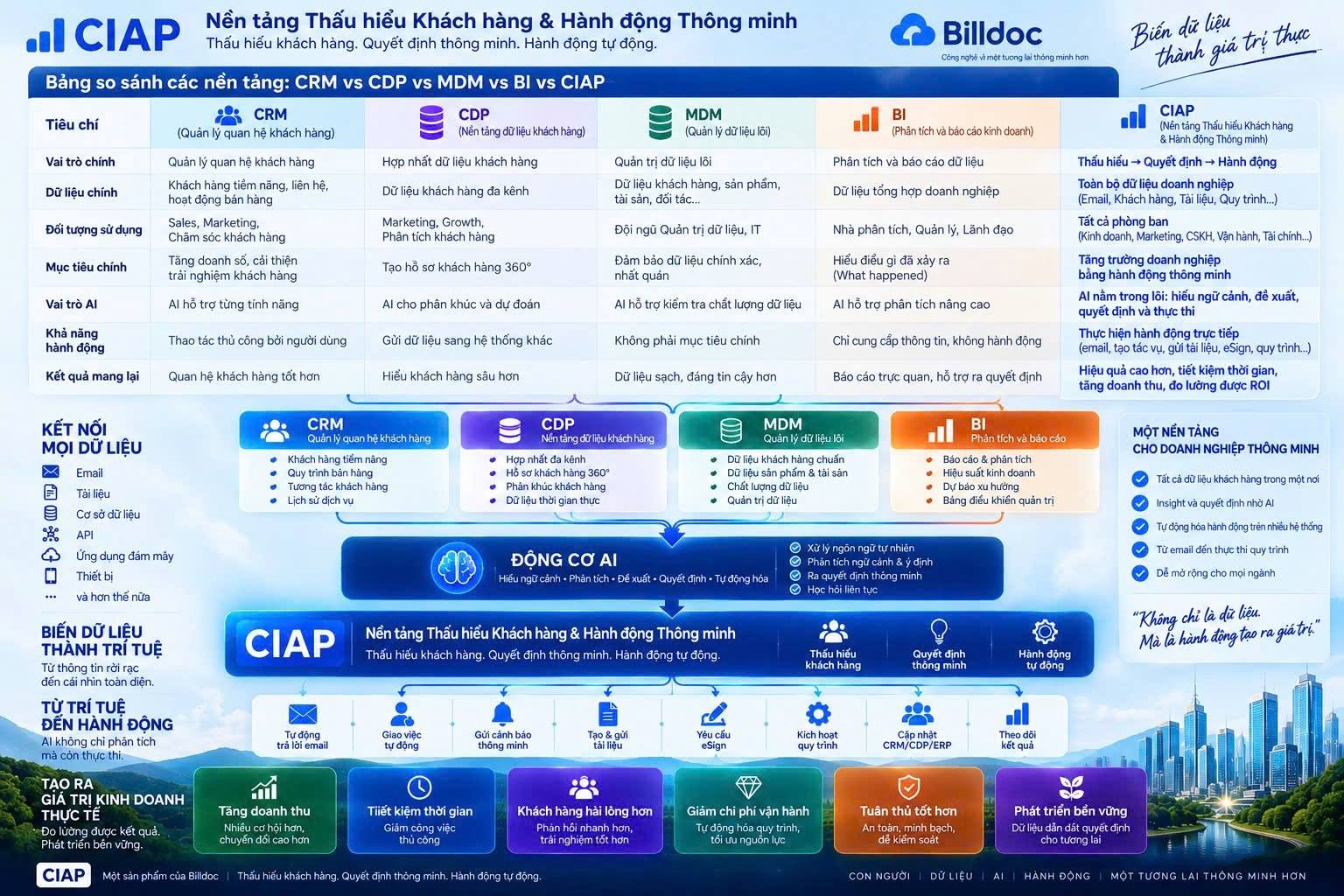
AI Email – Transform every email into a smart AI assistant.
Email remains the most important communication and storage tool in all personal and business transactions. However, searching for information, responding to customers, or managing email history is becoming increasingly time-consuming as the number of emails increases.
AI Email was developed with the goal of enabling every email address to have its own AI assistant.

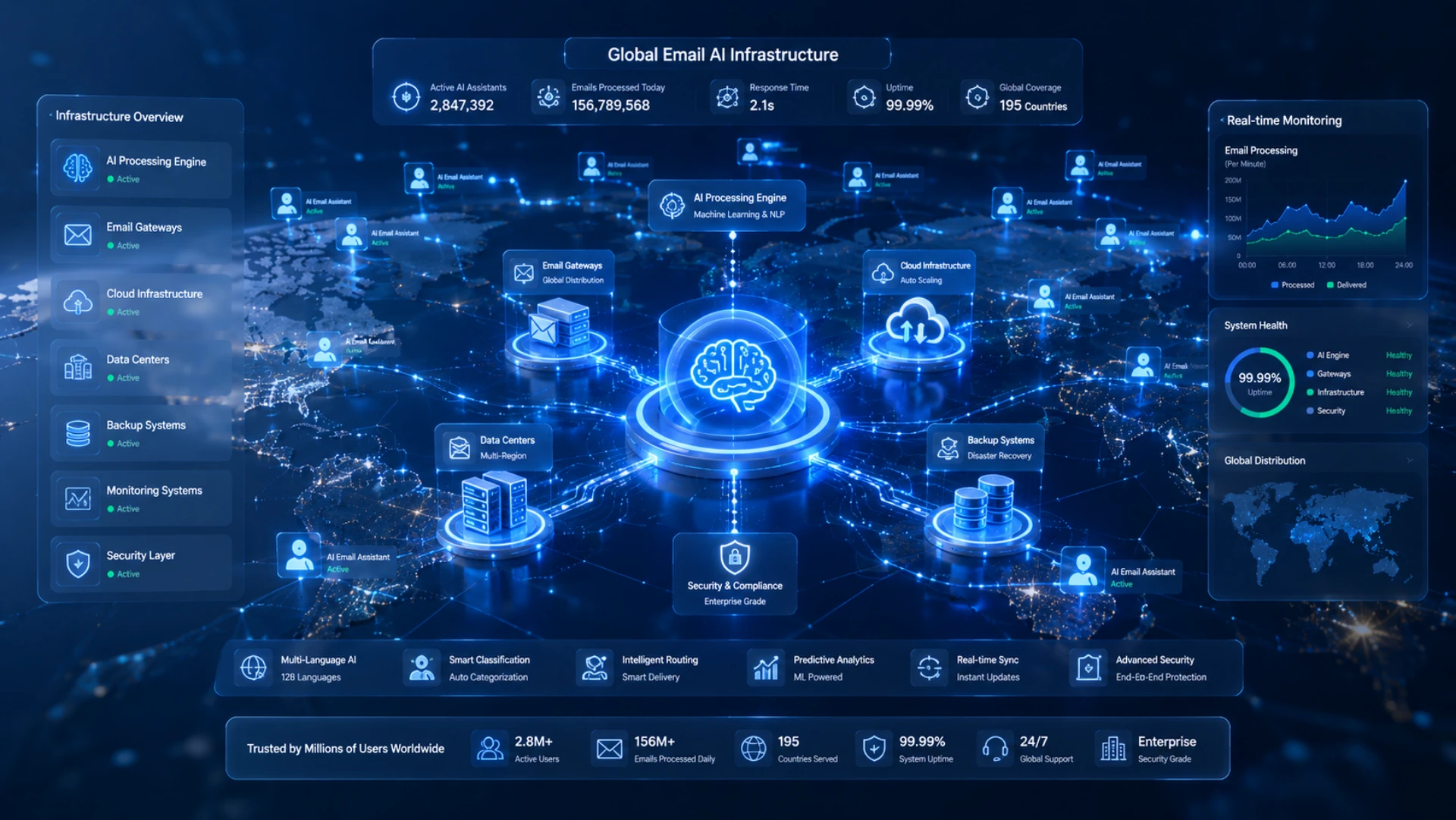
Personalized AI technology platform
AI Email is an application that uses PAI (Personalized AI) technology, where every email address on the internet can become an intelligent AI assistant.
AI Email is not just an AI service application, but also an infrastructure platform that connects artificial intelligence with the familiar email systems of millions of users worldwide.
Instead of having to open multiple different AI applications, users can simply continue using email as before. The AI will automatically provide support in the background.
All you need is an email address to have AI.
If you're using Gmail or business email, simply activate the corresponding AI email address. Then send emails as usual; the AI system will automatically analyze the content, understand the context, and provide a response.
Each user will have their own AI assistant, which will gradually learn from their email history and provide increasingly accurate support tailored to the individual or business's workflow.
Contact
Register for a consultation
Leave your information and we will contact you within 24 hours.